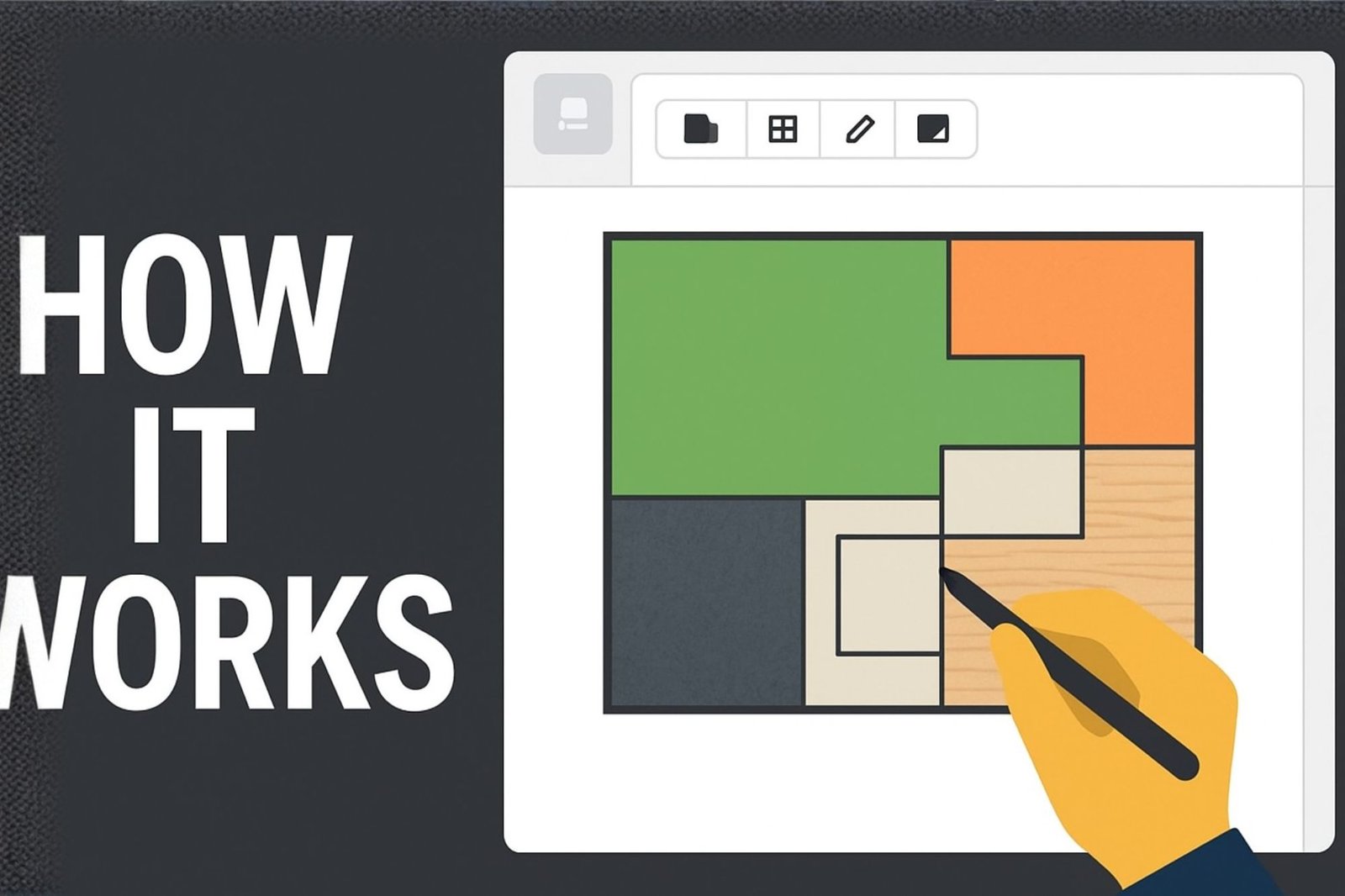
The Sportex E-Floor Planning Tool helps you visualize and calculate your flooring layout with accuracy. Upload your floor plan, set dimensions, experiment with different textures, and instantly see your total coverage area — all in one place.
How to Use the Sportex E-Floor Planning Tool
📁 Upload – Click “Upload Floor Plan” to add your floor plan image (JPG or PNG format).
📐 Set Dimensions – Scroll down to set your canvas size in square feet to match your real-world area.
⬜ Grid – Enable the grid view to display 1ft × 1ft squares for accurate layout planning.
✏️ Draw – Use the drawing tools to mark areas like workout zones, turf tracks, or court spaces directly on your plan.
📊 Area Tracking – Each shape automatically shows its individual area, and your TOTAL AREA appears in green for easy calculation.
🎨 Textures – Apply different floor textures (rubber mat, turf, vinyl, wood, etc.) to visualize each section.
📤 Export – Once satisfied, download your design as a PNG image to share or include in your flooring inquiry.